Install OpenAdapt
Start with the OpenAdapt CLI
The flagship OpenAdapt project installs the compiler and governed runtime under the unified openadapt flow command. Native installers are generated separately from the latest complete Experimental desktop prerelease.
pip install openadaptDesktop packaging
Native installer preview
Experimental prerelease desktop-v0.6.2
Choose the build that matches your operating system and processor below.
All downloads
Every installer for the latest Experimental prerelease (desktop-v0.6.2). Choose the one that matches your machine.
Looking for a different build or an older version? Browse all releases on GitHub.
What you're installing
Real screenshots, honest state
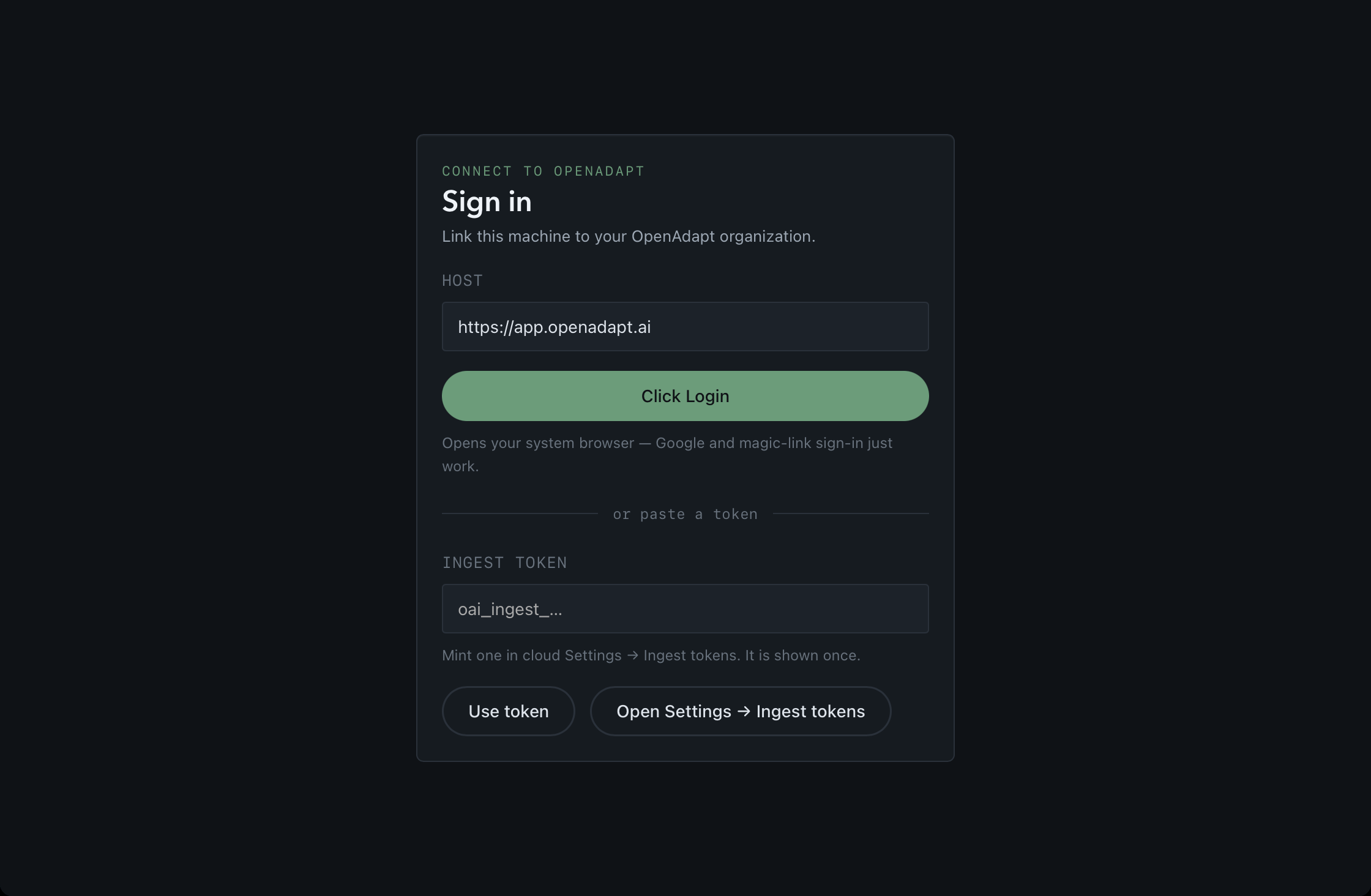
These are unretouched captures of the actual Experimental surfaces — shown in the state a first launch honestly renders, not a mockup of a finished product. The desktop app now launches: v0.6.2 fixes the earlier startup panic (issue #26), and the window below is the real app running.
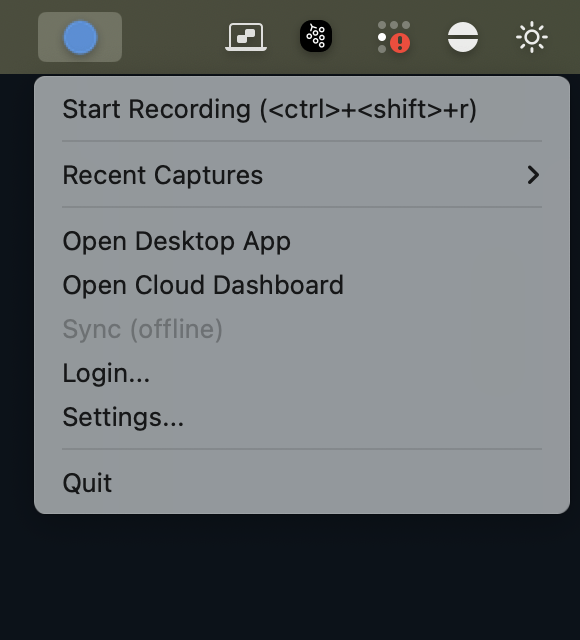
openadapt-tray 0.1.1, a separate pip install openadapt-tray package, captured live on macOS in its real standalone state. It mirrors status and launches surfaces; it is not included in the installers on this page, and no released desktop build provides the companion service it connects to yet.Windows install flow
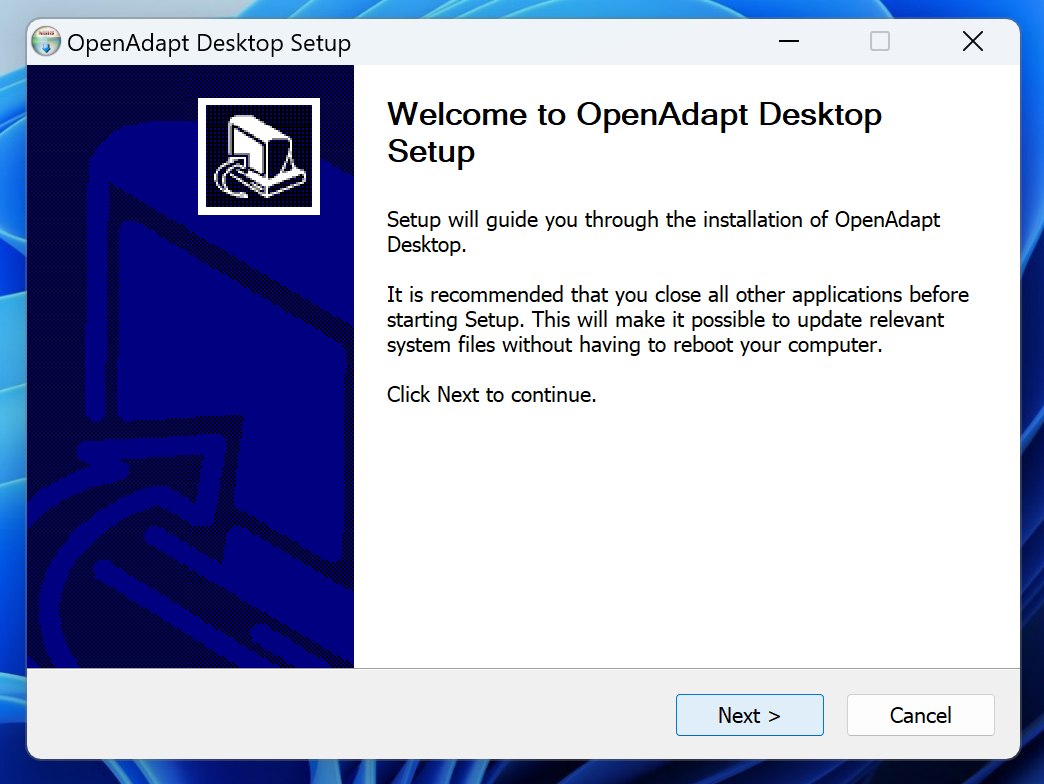
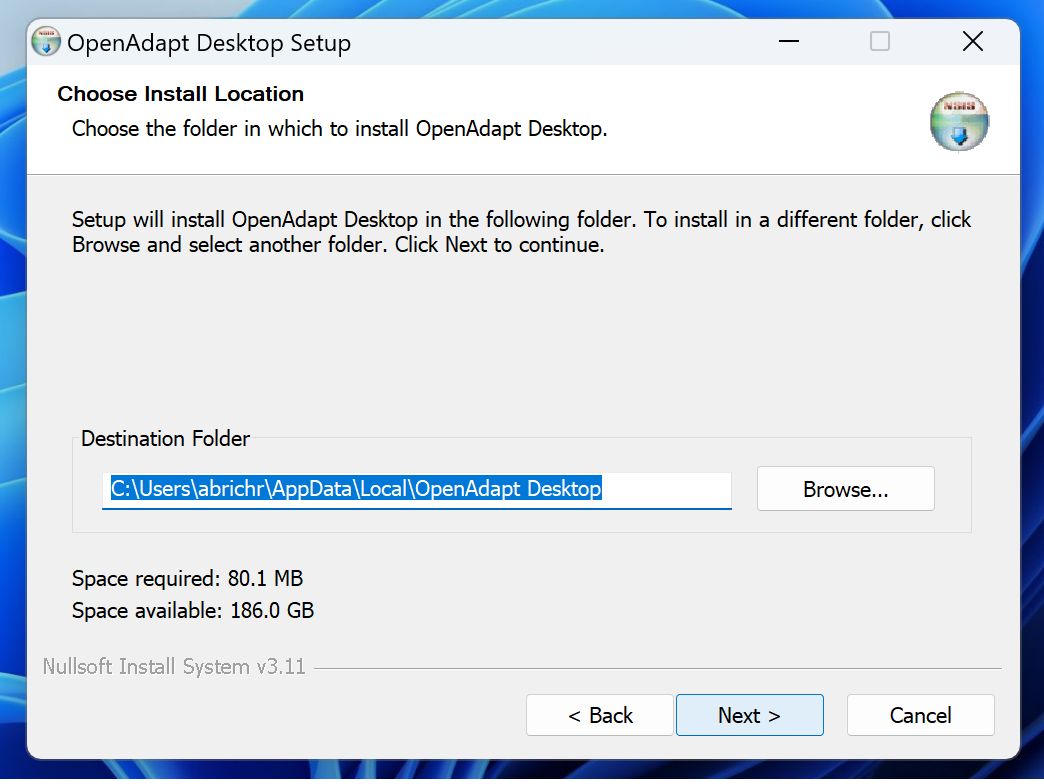
The real NSIS installer, start to finish
Captured from the actual windows-x86_64-unsigned-nsis-setup.exe (v0.6.1) running on a real Windows 11 machine. Experimental prerelease, unsigned — Windows shows an Unknown Publisher warning (expected); see First launch below for how to proceed safely.
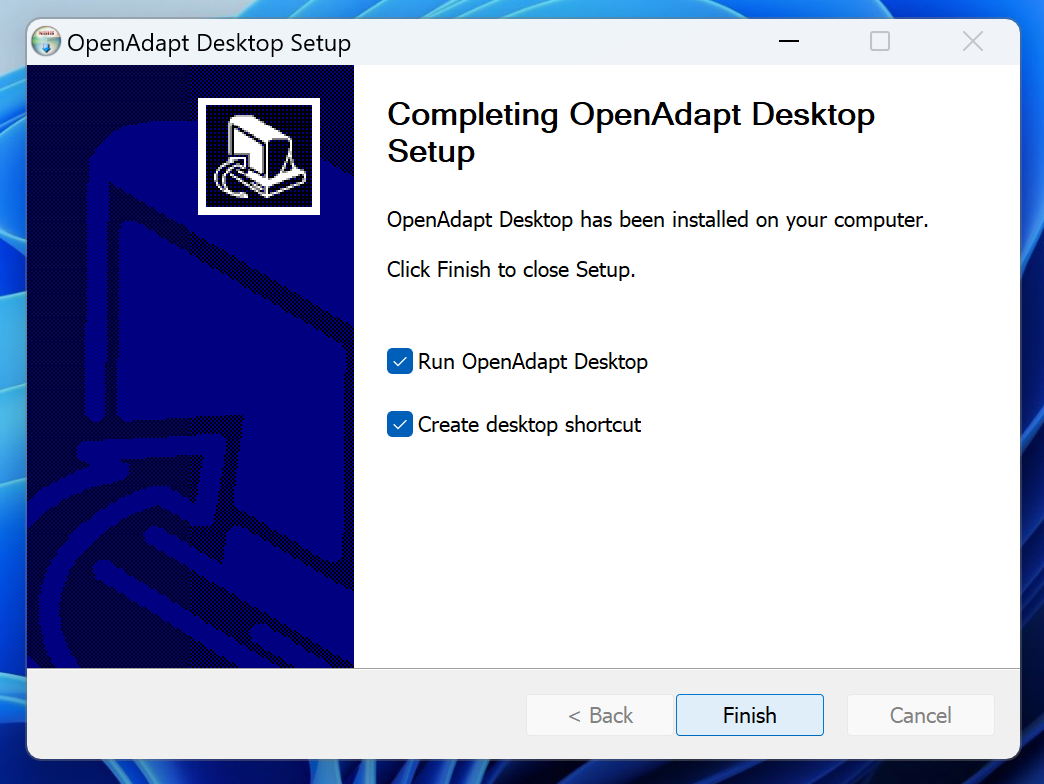
Capture provenance for every screenshot is recorded in the media manifest.
First launch
Current Experimental builds may trigger an operating-system publisher warning. Verify the release checksum before overriding it.
macOS
The DMGs are ad-hoc signed, not yet Developer ID notarized. In Finder, Control-click OpenAdapt Desktop, choose Open, then confirm Open. Only override Gatekeeper after verifying the release checksum.
Windows
The Windows installers are not yet Authenticode signed, so Windows warns that the publisher is unknown — this is expected. On the "Open File - Security Warning" dialog shown below (or a SmartScreen "Windows protected your PC" prompt, where you choose More info), verify the release checksum first, then choose Run.
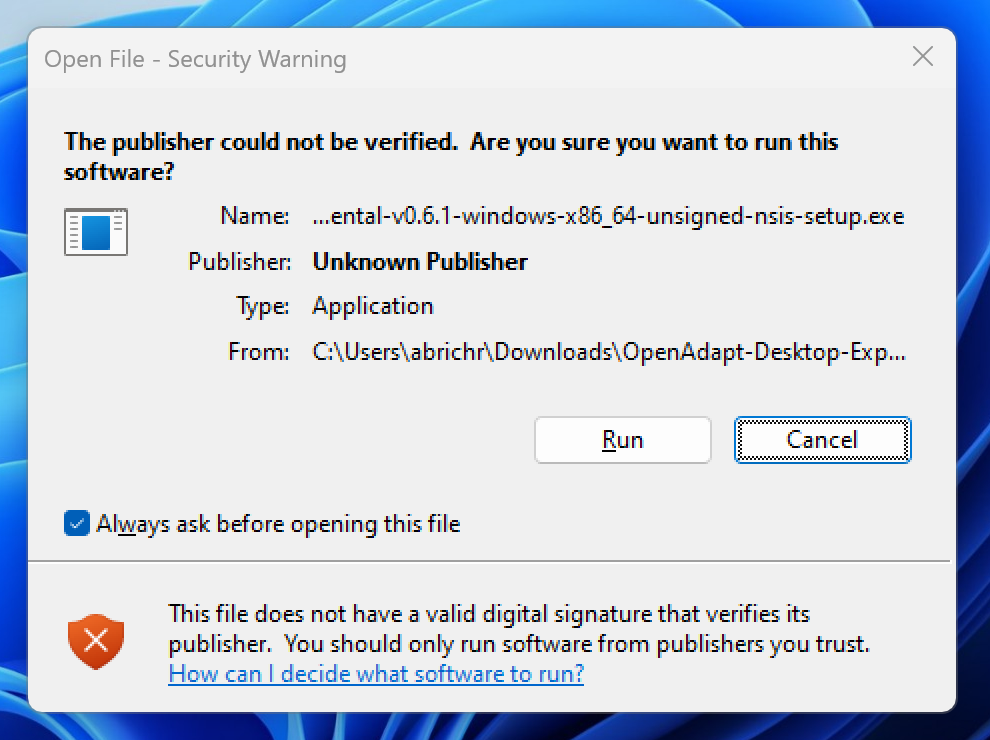
Download SHA256SUMS and verify GitHub build provenance from the release before installing.
Need the working workflow engine?
Start with pip install openadapt, or bring the workflow you most want to automate to a 30-minute call.